# Location message

A location message is a message that contains geographical information such as a map or a link to a map. You can send a location message by making a `POST` request to the `/messages:send` Conversation API [endpoint](/docs/conversation/api-reference/conversation/messages/) with the following payload:


```json
{
  "app_id": "{APP_ID}",
  "recipient": {
    "identified_by": {
      "channel_identities": [
        {
          "channel": "{CHANNEL}",
          "identity": "{IDENTITY}"
        }
      ]
    }
  },
  "message": {
    "location_message": {
      "title": "Your ride is here!",
      "label": "Meet your driver at the specified address.",
      "coordinates": {
        "latitude": 55.610479,
        "longitude": 13.002873
      }
    }
  }
}
```

## Location message schema

A location message can take the following parameters and properties.


```json
{
  "$ref": "#/components/schemas/LocationMessageField",
  "components": {
    "schemas": {
      "Coordinates": {
        "type": "object",
        "title": "Geographic coordinates",
        "required": [
          "latitude",
          "longitude"
        ],
        "properties": {
          "latitude": {
            "description": "The latitude.",
            "type": "number",
            "format": "float"
          },
          "longitude": {
            "description": "The longitude.",
            "type": "number",
            "format": "float"
          }
        }
      },
      "LocationMessageField": {
        "type": "object",
        "description": "Message containing geographic location.",
        "title": "Location",
        "properties": {
          "location_message": {
            "title": "Location Message",
            "type": "object",
            "required": [
              "coordinates",
              "title"
            ],
            "properties": {
              "coordinates": {
                "$ref": "#/components/schemas/Coordinates"
              },
              "label": {
                "description": "Label or name for the position.",
                "type": "string"
              },
              "title": {
                "description": "The title is shown close to the button or link that leads to a map showing the location. The title can be clickable in some cases.",
                "type": "string"
              }
            }
          }
        }
      }
    }
  }
}
```

 Note:
Not all channels support every parameter.

The following sections give examples of how card messages are rendered in each channel and specific parameter support:

- [WhatsApp](#whatsapp)
- [SMS](#sms)
- [Facebook Messenger](#facebook-messenger)
- [Instagram](#instagram)
- [MMS](#mms)
- [RCS](#rcs)
- [Viber Business Messages](#viber-business-messages)
- [Telegram](#telegram)
- [KakaoTalk](#kakaotalk)
- [LINE](#line)
- [WeChat](#wechat)


## WhatsApp

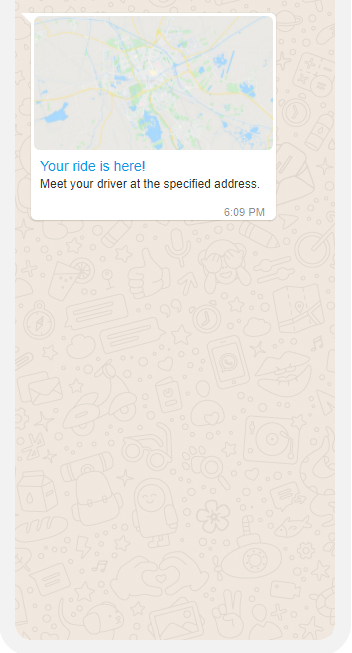
WhatsApp channel natively supports location messages. The following image gives an example of a location message.
![Location Message](/assets/whatsapp_location_message.33380b121034dfdf44e86e58064307b4b1b443509373f7c4915d1c88893dd89e.3a8dbadf.png)

## SMS

Note:
If you are sending messages on the SMS channel and you haven't set a [default originator](/docs/conversation/channel-support/sms/best-practices#international-considerations-for-the-sms-service-plan) in the Sinch Build Dashboard, ensure you include the [`SMS_SENDER` property](/docs/conversation/channel-support/sms/properties) in your API call.

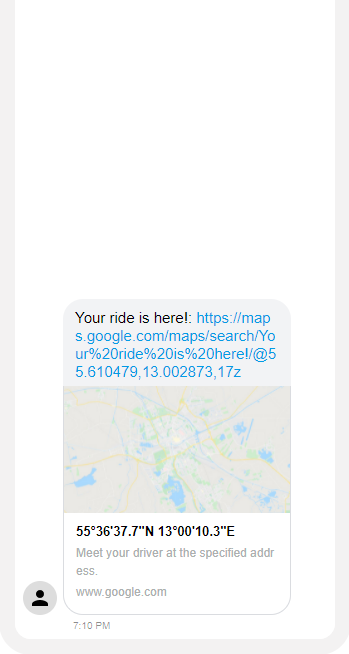
SMS supports Location messages natively. The following image gives an example of a location message.
![Location Message](/assets/sms_location_message.1296ae425d5cae816d7e9fa81de873eb17de1aefd8240a3923dd4421cfcd9c64.22f24fc4.png)

## Facebook Messenger

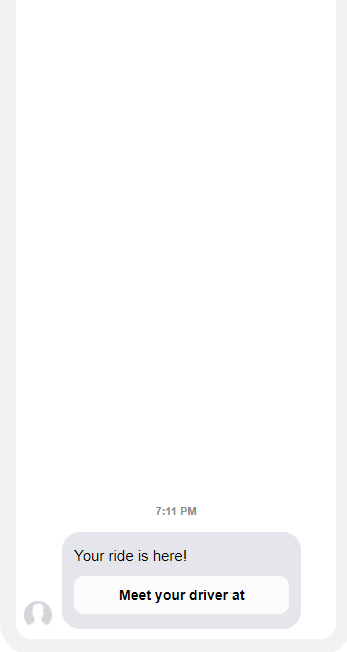
Facebook Messenger supports location messages natively. The following image gives an example of a location message.
![Location Message](/assets/messenger_location_message.69fde677df7195f3cbdc226deb1d9363027c870e01fd127a8b7ffa277bb844c9.46a24e6c.png)

## Instagram

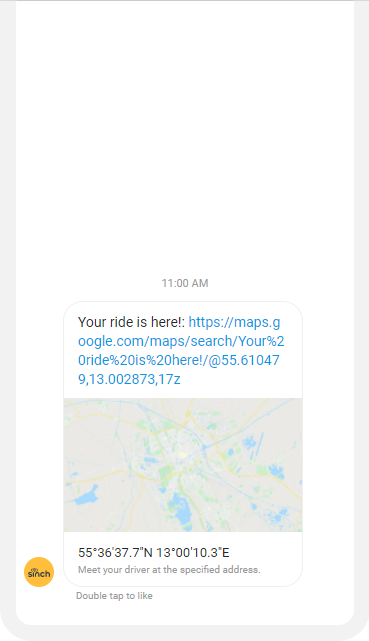
Instagram doesn't natively support location messages. The location message is transcoded as a text message which contains a URL that points to the Google Maps app. The following image gives an example of a location message.
![Location Message](/assets/instagram_location_message.484d9cf94ca68f8b8def43fa75ceca42bb37d969d8c56e9e9a2fe06cd96bcc1a.01afcbcc.png)

## MMS

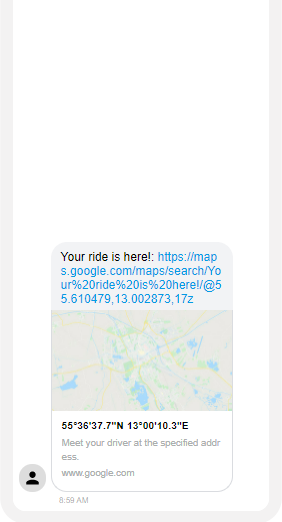
MMS doesn't natively support location messages, and so they're transcoded and sent as text messages by Conversation API.

The following image gives an example of a location message.
![Location Message](/assets/mms_location_message.caed1d4a257d7f97ebc3b534cfbe4877f88fb49827738b15158da2f9f7813416.88839cbf.png)

## RCS

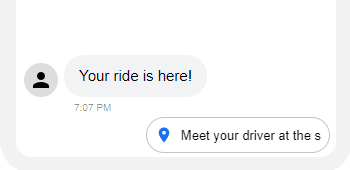
You can share a location using a [Location Message](/docs/conversation/message-types/location-message). Alternatively, you can use a [Choice Message](/docs/conversation/message-types/choice-message) to either share or send a location to the device.

The following image gives an example of a location message.
![Location Message](/assets/rcs_location_message.54094c8b02a19060b9a632a412313302bcd1674ba9350593005d0365a9ecdfe4.94cf44a2.png)

## Viber Business Messages

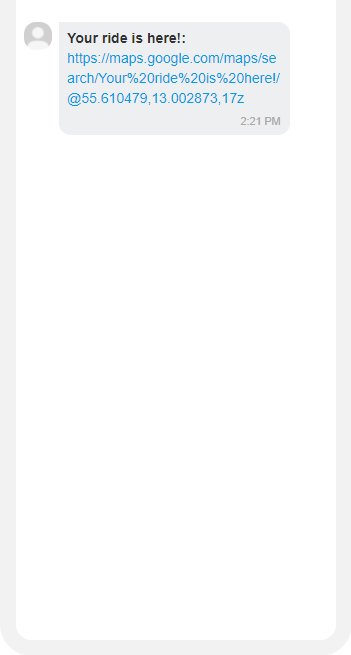
Viber Business Messages channel doesn't natively support location messages and so they're transcoded and sent as text messages by Conversation API. The following image gives an example of a location message.
![Location Message](/assets/viberbm_location_message.68d7bc973d83fb362d5545b08a90fc44e82e6aea34b8a53da0cf355d436d0d18.c734a361.png)

## Telegram

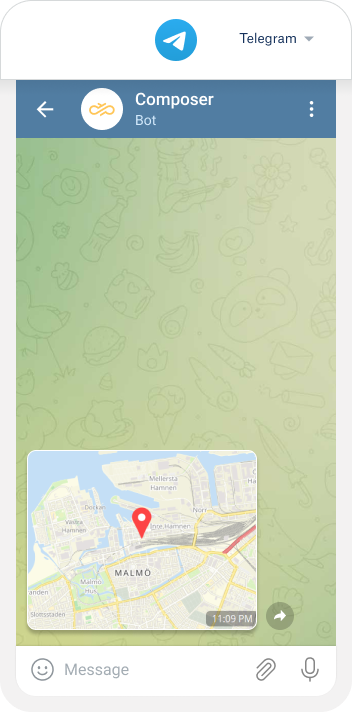
Telegram Bot channel natively supports location messages.
![Location Message](/assets/telegram_android_locationmessage.ffd83649ce8a455ca9094244b8bc9c749044f15c37db2ee6952aabaf55dcac11.22cfd7e9.png)

## KakaoTalk

KakaoTalk doesn't natively support location messages, and so they're transcoded and sent as text messages by Conversation API.

The Location message as text (including title, label, url) has a maximum length of 1000 characters.

## LINE

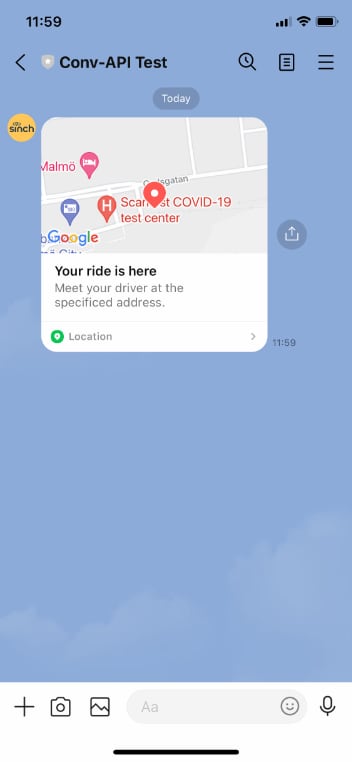
LINE channel natively supports location messages.
![Location Message](/assets/line_location.321acff8e17c0f189308838e51fd27d7e9ea1dbd0ceaf7aec447ae692d2cf568.7a4a72d5.jpg)

## WeChat

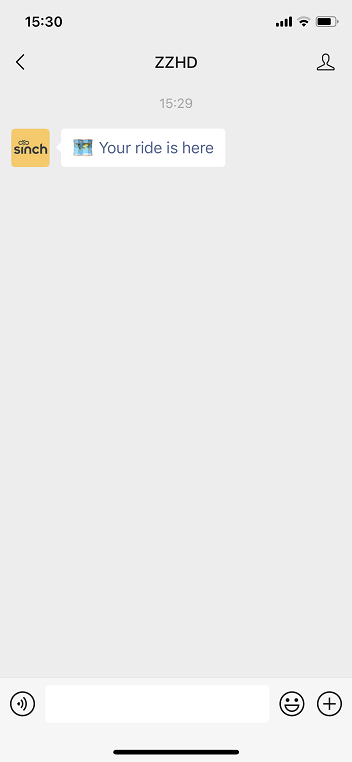
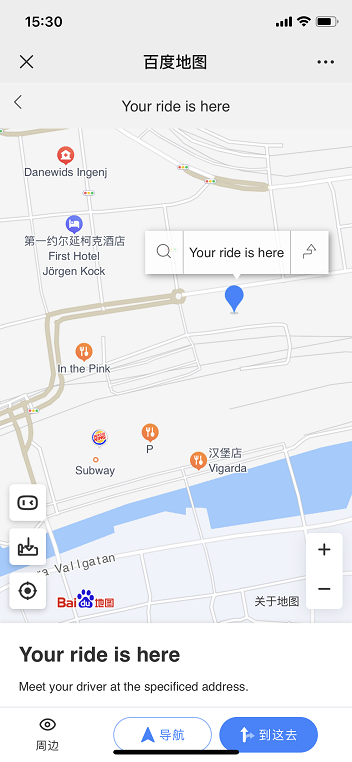
WeChat channel doesn't natively support location messages. Location messages or location choices sent to WeChat will be
converted to a Map URL. Clicking the URL will open the map within embedded browser.

Due to the restrictions on geographic data in China, the raw GPS data in WGS84 format (used by many Map Service
Providers, such as Google) can't be used in China. Instead, local Chinese Map Service Providers use different geographic data
formats, such as BD09.

To send a location message or location choice to WeChat, you need to have location data in BD09 format. Please get
coordinates from a Chinese Map Service Provider such as [Baidu Map](https://api.map.baidu.com/lbsapi/getpoint/index.html).

![Location Message](/assets/wechat_location.3d903f1e3ff17ac36cb6b69c888f82f6302bfb818590f6ad746ada7786f4cd78.5b7624f8.png)

![Map](/assets/wechat_map.88c4e463670807f681a02f18f68e9805336e31b82b6a9807f680db9c95d58ff8.5b7624f8.png)